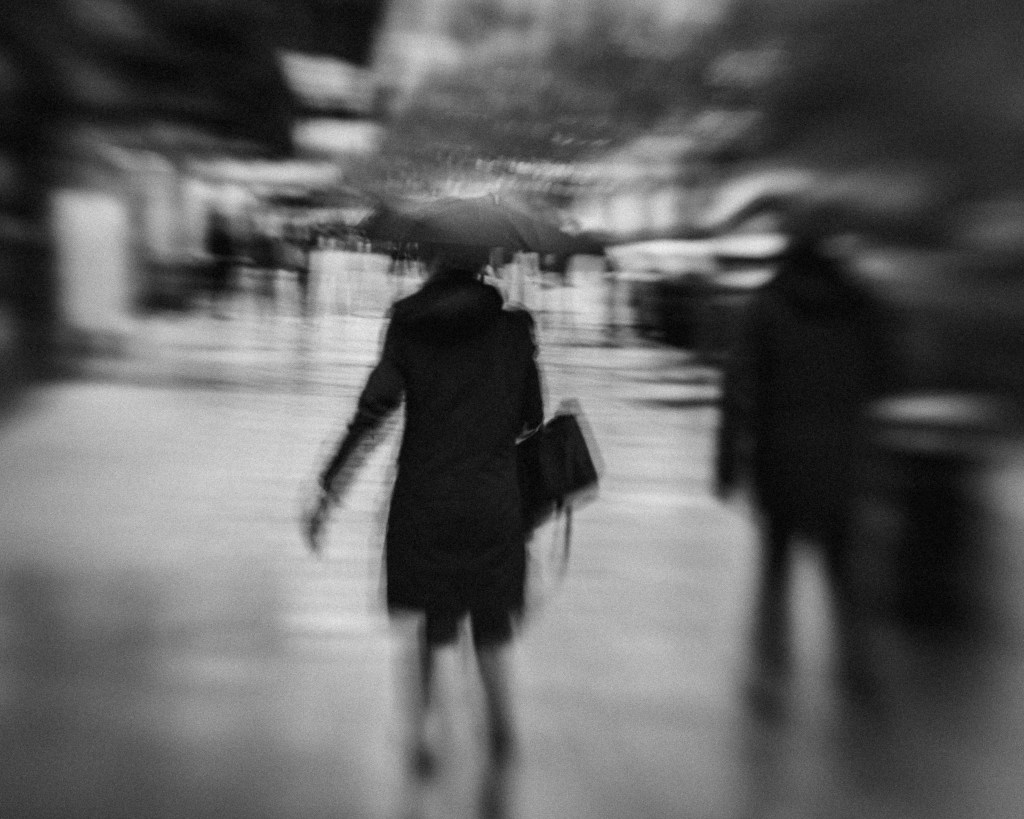
I was out in the rain today, camera in hand, wandering through the town centre.
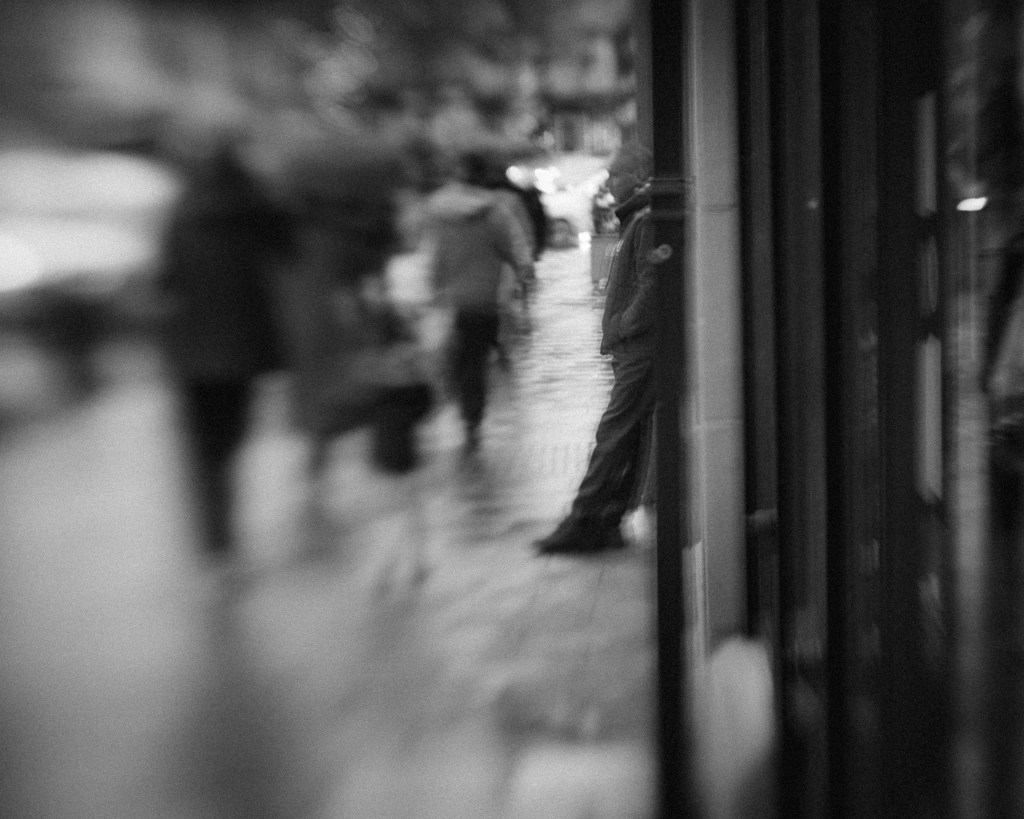
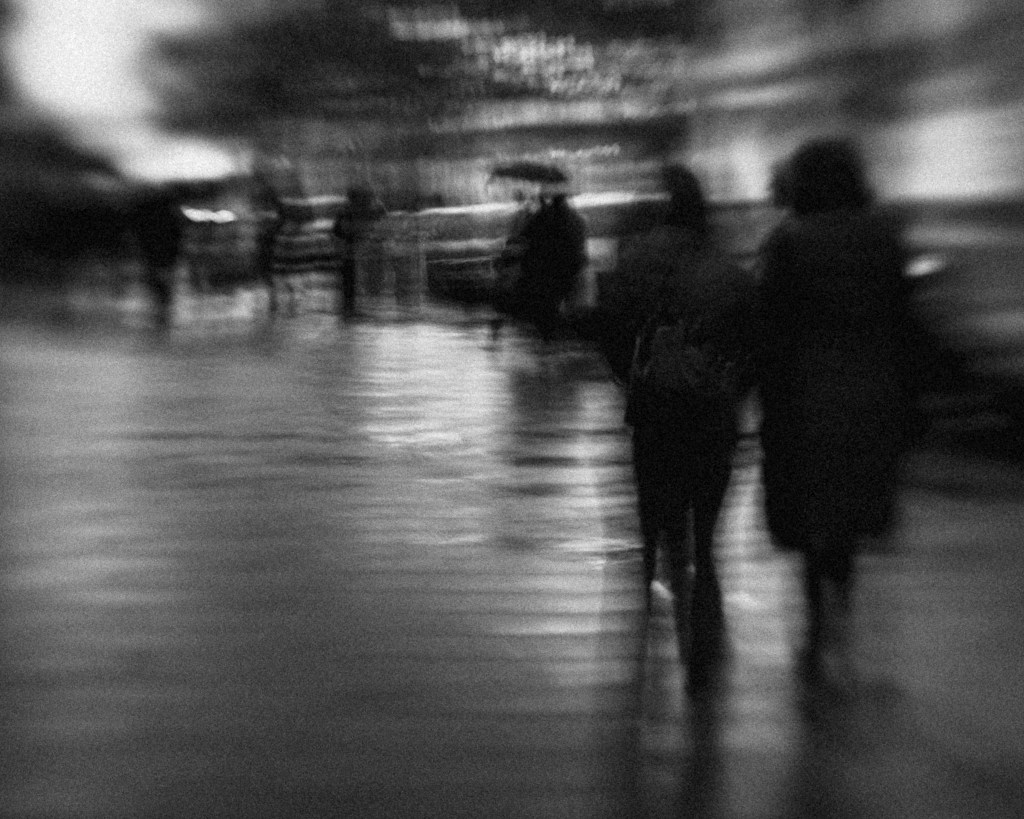
Raincoats and umbrellas everywhere. People striding forward with purpose, determined to reach their destinations before becoming completely soaked. Commuters darting out of the railway station. Would-be shoppers sheltering in doorways. Pedestrians dodging the splash of passing cars. Children being hurried across the crossing, their little legs working overtime to keep up.
It isn’t the sort of weather most people choose for photography.
Surely a bright, sunny day would be better?
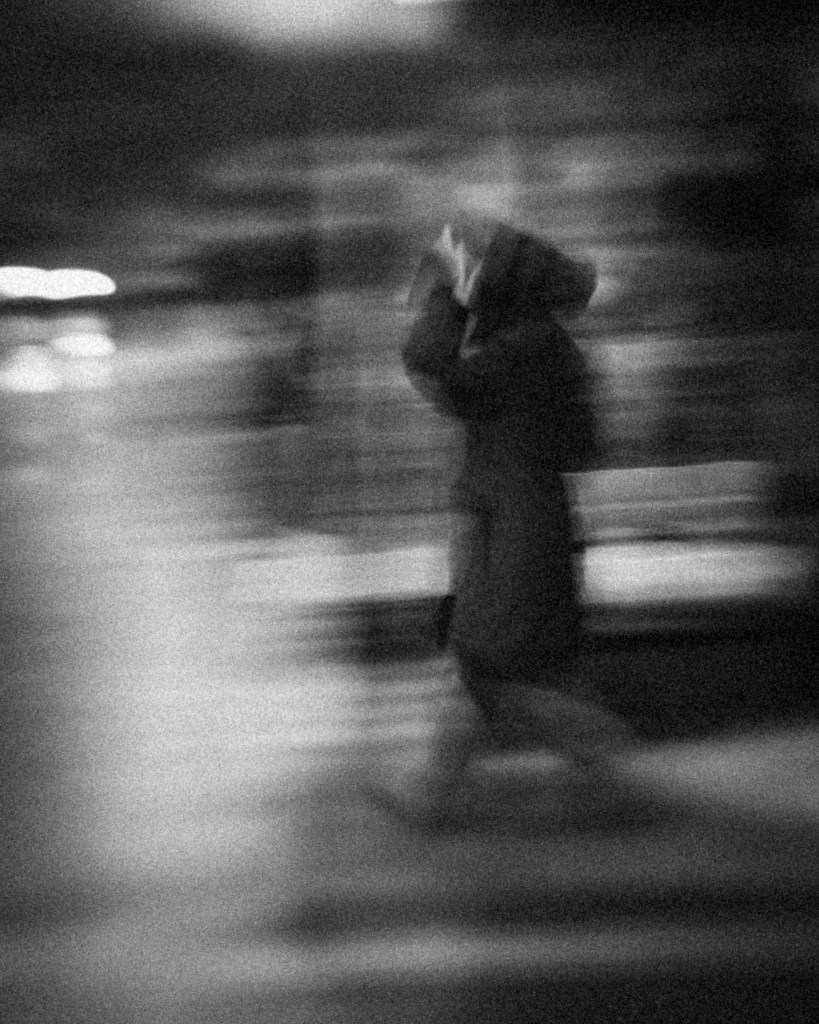
And then there’s the expectation. Any self-respecting photographer might aim for images that are pin-sharp, colourful, and technically precise. Instead, my photographs today are black and white — dark, moody, slightly unfocused. Fleeting figures passing through the frame. Faces barely recognisable. Motion rather than clarity.
So why do it?
Because lately, I’ve been thinking less about what a photograph shows and more about what it feels like. I’m experimenting with techniques without expecting perfection. I’m allowing room to be surprised. I’m chasing a feeling rather than an explanation.
Yesterday, I had a conversation about how we see. We’re very good at describing what’s in front of us — a street, a person, a rainy afternoon. But isn’t it far more interesting to describe what we feel when we encounter a scene?
Perhaps our emotional response is a better measure of a powerful photograph than simple visual accuracy.
The Four Stages of Seeing
In my mind, the photographic process unfolds in four stages:
- Attraction – Something catches our initial attention.
- Framing – We compose the scene through the viewfinder.
- Selection – We choose which image deserves to be printed.
- Reflection – We stand back and look at the finished piece.
At each of these stages, we often focus on what we’re seeing. But what if we paid equal attention to what we’re feeling?
It’s almost as if, at our best, we momentarily forget the literal subject and respond instead to shapes, tones, contrast, movement — to atmosphere. To mood.
A Challenge to See Differently
My challenge to myself — and perhaps to you — is this:
Switch off the rational, pre-programmed response that judges what makes a “good” photograph. Become more aware of how an image makes you feel.
It may be unconventional. It may defy expectations. It may not win prizes for sharpness or colour.
But if it strikes something deeper — if it lingers — then perhaps it has done something far more important.
Sometimes, the rain gives us exactly what sunshine cannot.

 Mark Waddington
Leave a comment